


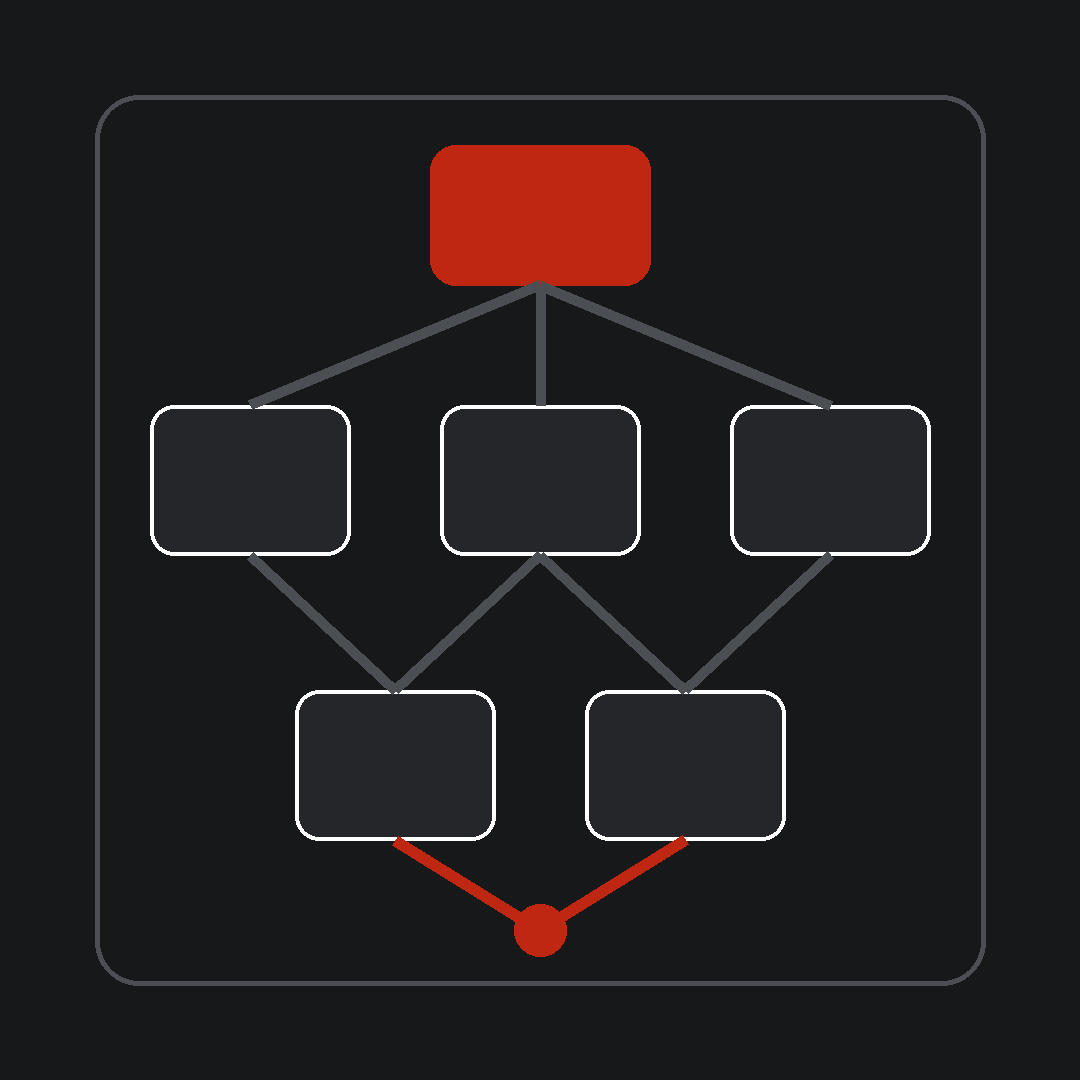
A WooCommerce plugin can be inexpensive to buy and expensive to operate.
The license fee is visible. The larger cost often is not. It appears in configuration, data flow, compatibility, updates, testing, security review, vendor coordination, and the time required to understand which tool owns a business rule.
That does not make plugins a problem. Plugins are one of WooCommerce’s strengths. They let a brand add capability without building every function from the ground up.
The risk begins when each new requirement is treated as an isolated purchase. The team solves a checkout issue, promotion request, reporting gap, fulfillment exception, or retention idea one plugin at a time. Each decision may be reasonable. Together, they can create a system nobody fully owns.
The right question is not, “How many plugins do we have?”
It is, “Which dependencies does each plugin create, and does the commercial value still justify them?”
Every plugin is a dependency decision
Installing a plugin changes more than the feature list. It can introduce dependencies across five areas.
1. Data
The plugin may read, write, copy, or reinterpret product, customer, order, subscription, tax, inventory, or analytics data.
You need to know:
- which data enters the plugin;
- which data it changes;
- which system remains the source of truth;
- what happens when a sync is delayed or fails;
- whether the data can be exported in a usable form.
A tool that owns commercially important data is not a small add-on. It is part of the operating system.
2. Workflow
A plugin may add a step, decision, exception path, or manual check to a business workflow.
A promotion tool can affect merchandising, checkout, support, fulfillment, reporting, and returns. A subscription extension can change payment handling, customer service, inventory planning, and retention reporting.
Evaluate the complete workflow. A feature can work as designed while creating work elsewhere.
3. Compatibility
Plugins do not operate alone. They interact with the theme, WooCommerce core, payment methods, checkout customizations, caching, analytics, integrations, and other extensions.
The maintenance burden often sits between tools. Each vendor can confirm its component works while the combined path still fails.
Compatibility is therefore an ownership issue, not only a technical issue.
4. Change
Every dependency needs an update and testing path.
Ask:
- Who reviews releases?
- Where are changes tested?
- Which business workflows must be checked before deployment?
- Who decides whether an update is safe?
- What is the recovery path if a change causes a problem?
If nobody owns these decisions, updates become either risky or indefinitely delayed. Both outcomes create operating drag.
5. Exit
A plugin is easier to add than to remove. It may leave shortcodes, custom database tables, scheduled actions, altered order data, embedded content, copied customer attributes, or dependencies in other systems.
Before adopting a tool, understand the exit path. Reversibility matters because today’s fast fix can become tomorrow’s permanent constraint.
Build a plugin inventory that supports decisions
A list of plugin names is not enough. Build an inventory that connects each tool to the business.
For every active plugin, record:
- Business purpose. What outcome or control does it support?
- Workflow. Which customer or operating path depends on it?
- Accountable owner. Who owns the business result?
- Technical owner. Who maintains configuration, updates, and testing?
- Data touched. What does it read, write, store, or transmit?
- Connected systems. Which plugins, platforms, vendors, or custom code interact with it?
- Failure consequence. What happens to revenue, customers, fulfillment, reporting, or team workload if it fails?
- Evidence of value. What verified internal measure shows the capability is useful?
- Overlap. Which other tools provide similar capability?
- Exit path. What must be migrated, cleaned up, or replaced before removal?
Do not delegate the entire inventory to a developer and call it complete. Technical knowledge is necessary, but business owners must define purpose, consequence, and value.
Map plugins by workflow, not category
Plugin directories group tools by feature. Operations should group them by business workflow.
Start with a critical path such as:
- product-to-site;
- promotion-to-launch;
- cart-to-payment;
- order-to-fulfillment;
- return-to-refund;
- subscriber-to-renewal;
- customer-to-support-resolution.
Then place every plugin, integration, manual step, owner, and vendor on that path.
This reveals interaction costs that a plugin-by-plugin review will miss. It also shows where several tools touch the same decision or where one plugin quietly controls multiple workflows.
Look for five forms of operating drag
Overlapping capability
Two tools may both manage forms, feeds, promotions, analytics events, product rules, or customer attributes. Overlap creates competing configuration and uncertainty about which system should be trusted.
Choose an owner and a source of truth. Consolidation is valuable when it removes duplicated decisions, not merely when it reduces the plugin count.
Hidden manual work
A plugin can automate one step while creating reconciliation, monitoring, correction, or reporting work around it.
Ask the people operating the workflow what they still check by hand. Those checks often expose weak integrations and unclear failure handling.
Fragile change paths
If routine updates require a large regression effort, avoidable downtime risk, or coordination across several vendors, the cost is in the dependency network.
Document the critical acceptance path. Test the complete commercial workflow, not only whether the plugin page loads.
Unclear ownership
“IT owns the plugin” is incomplete when marketing defines the promotion, operations handles exceptions, finance relies on the report, and an agency controls the configuration.
Name one accountable business owner and one technical owner. Make escalation and final decision rights explicit.
Weak reversibility
A tool with no practical export, migration, or cleanup path can lock an operating process into place even when a better option exists.
Document exit conditions while the system is stable. Waiting until removal is urgent makes the decision more expensive and risky.
Decide: keep, consolidate, replace, or remove
Use the inventory to make one of four decisions for each plugin.
Keep
Keep the plugin when it supports a valuable workflow, has clear ownership, behaves reliably, and has a proportionate maintenance burden.
A deliberate keep decision should include the owner, test path, renewal decision, and evidence used to evaluate value.
Consolidate
Consolidate when multiple tools create duplicated capability, data, configuration, or vendor responsibility.
Do not assume a larger suite is automatically simpler. Confirm that consolidation reduces real workflow and ownership complexity.
Replace
Replace when the required capability remains valuable but the current dependency creates unacceptable reliability, maintenance, data, or ownership problems.
Define acceptance criteria and migration requirements before selecting the replacement. Otherwise the team may recreate the same constraint in a different product.
Remove
Remove when the business purpose no longer exists, the capability is unused, the value cannot be supported, or the work it creates exceeds its contribution.
Removal is a controlled change, not a deactivation click.
Remove a plugin without creating a new incident
Before removal:
- Confirm the accountable owner approves the business change.
- Identify data, shortcodes, scheduled actions, integrations, webhooks, and custom code tied to the plugin.
- Record the workflows and acceptance tests that could be affected.
- Create a backup and a recovery plan appropriate to the system.
- Test deactivation and cleanup outside production.
- Verify customer, order, payment, fulfillment, reporting, and administrative paths that depend on the change.
- Monitor the affected workflow after deployment.
- Update the inventory and ownership documentation.
A plugin audit should reduce operating risk. Removing tools without dependency analysis can do the opposite.
Make plugin governance part of the operating model
A plugin stack becomes difficult to manage when adoption is easy and accountability is optional.
Before approving a new plugin, require a compact decision record:
- the business problem;
- the expected commercial consequence;
- the workflow affected;
- the data touched;
- the accountable and technical owners;
- the alternatives considered;
- the acceptance and regression path;
- the ongoing cost and vendor dependency;
- the exit plan;
- the verified measure that will be reviewed.
This is not a case for slowing every decision. It is a way to preserve execution speed after the decision.
Simplify the system around the constraint
The goal is not the smallest possible plugin count. It is a WooCommerce system whose complexity is visible, owned, and justified.
A well-run stack can include many specialized plugins. A poorly run stack can become fragile with only a few. Count dependencies, handoffs, failure paths, and ownership gaps—not just installations.
Start with one business-critical workflow. Build the inventory. Identify the plugin interactions creating the most repeated work or risk. Then make one accountable change and verify the consequence with internal data.
If the stack is making growth harder to operate, take the Growth Constraint Scorecard to identify the system constraint before adding another tool.